
The launch
OpenAI introduced GPT-Live, a new generation of voice models powering ChatGPT Voice.
The simple version: ChatGPT Voice should feel more natural. It can listen and speak at the same time, handle interruptions, wait through pauses, and respond with small acknowledgement cues like “mhmm” or “yeah”.
That is the consumer story.
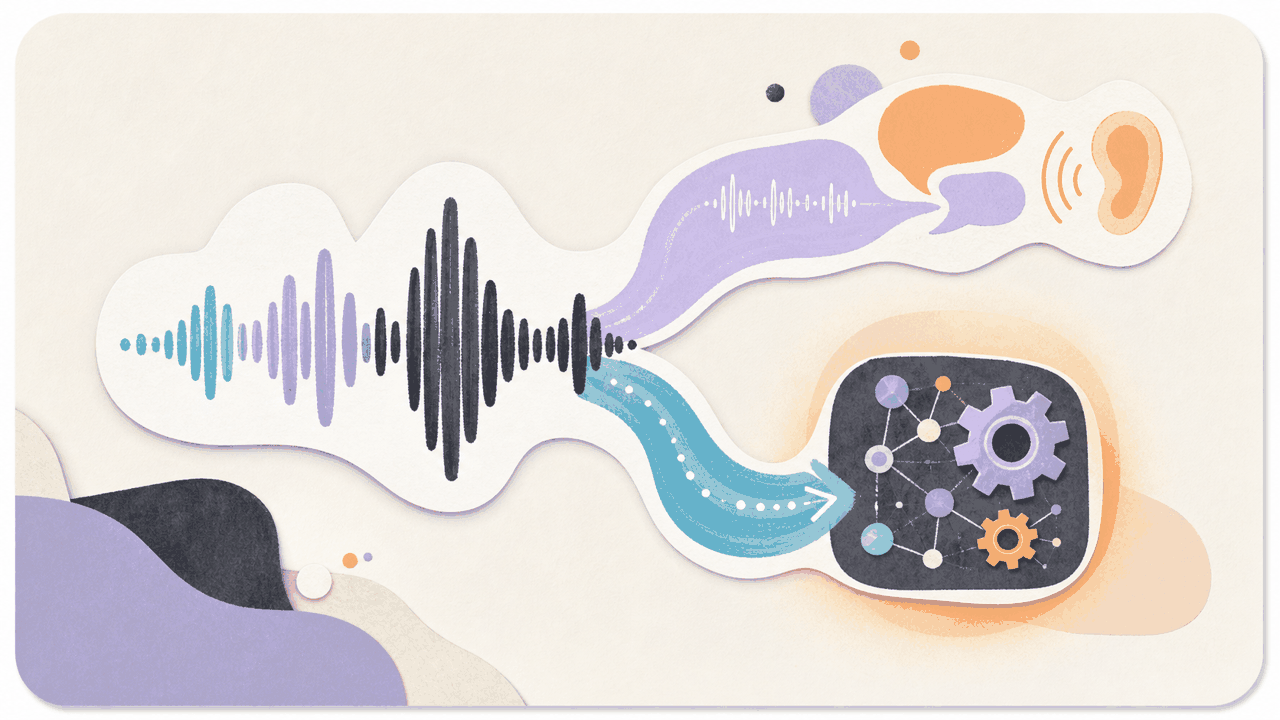
The builder story is more interesting: GPT-Live separates realtime conversation from deeper work. The voice layer keeps the interaction alive while another model handles search, reasoning, or more agentic tasks in the background.
At launch, OpenAI says GPT-Live uses GPT-5.5 behind the scenes for deeper work. GPT-Live-1 and GPT-Live-1 mini are rolling out globally to ChatGPT users, with API access planned later.
The detail worth reading
The key line is in OpenAI’s architecture section:
The model can therefore make interaction decisions many times per second: whether to speak, continue listening, pause, interrupt, or invoke a tool.
That sounds like a voice feature, but it is really a control loop.
A useful voice agent has to decide when to talk and when not to talk. It has to tell the difference between a user pausing to think and a user finishing a turn. It has to keep the conversation moving while a background task runs. It has to know when to invoke a tool and when to wait.
This is much harder than making a voice sound smoother.
Why it matters for builders
Voice makes agent UX less forgiving.
In a chat UI, a slow answer is annoying. In voice, bad timing breaks the whole interaction. If the model interrupts too early, the user gets frustrated. If it stays quiet too long, the user thinks it is broken. If it sounds confident while the background task is still running, the user may trust a half-finished answer.
GPT-Live points toward a split architecture:
- a realtime interaction layer for listening, speaking, pausing, and interruption handling
- a deeper reasoning layer for search, tools, and longer tasks
- a safety layer that can steer or stop output while the model is speaking
- a product trace that explains which path the system chose
That last part is where builders should pay attention. If you cannot inspect the handoff, you cannot debug the experience.
The safety angle
The system card matters because voice safety is different from text safety.
OpenAI says GPT-Live checks inputs and generated outputs as the conversation unfolds. If it detects potentially unsafe output, the system can steer the response, play a spoken safety message, provide support resources in text, or end the voice conversation in higher-risk cases.
That is a different shape from post-processing a text answer.
Realtime voice needs safeguards that can act while the model is still talking. For products using voice in coaching, support, education, care, or high-emotion settings, that control layer may matter more than raw model intelligence.
Product wedge
If you are building voice agents, the wedge is not “add voice”.
The wedge is a voice-agent test harness:
- interruption handling
- pause tolerance
- background noise recovery
- tool invocation timing
- delegation to a deeper model
- safety steering during speech
- trace quality after the call
Run the same workflow under messy conditions. Have the user interrupt. Add a long pause. Ask a question that needs search. Switch topics mid-answer. Trigger a safety-sensitive turn. Then inspect the trace.
If the system cannot explain why it listened, spoke, paused, invoked a tool, or delegated, the demo is not ready.
What to watch next
OpenAI says GPT-Live will come to the API soon. That is the moment for builders to test whether the same control loop can be wired into their own products.
Until then, the useful takeaway is the architecture pattern: realtime voice in front, frontier reasoning in the background, safety checks during the stream.
The best ChatGPT Voice demos will sound more natural. The best products will make the routing legible.