
The launch
Meta introduced Muse Spark 1.1 today and opened public preview access through the Meta Model API. The official post frames it as a multimodal reasoning model for agentic tasks, with gains in tool use, computer use, coding, and multimodal understanding.
That is the obvious read.
The more useful read is that Meta is packaging agent behavior as a product surface. The release talks about 1M context, MCP servers, custom skills, subagents, computer use, coding harnesses, structured output, parallel tool calling, and an OpenAI compatible API wrapper through the partner quotes.
For builders, that is not just model progress. It is the shape of an agent platform.
The buried detail
The sentence to inspect is in the computer use section:
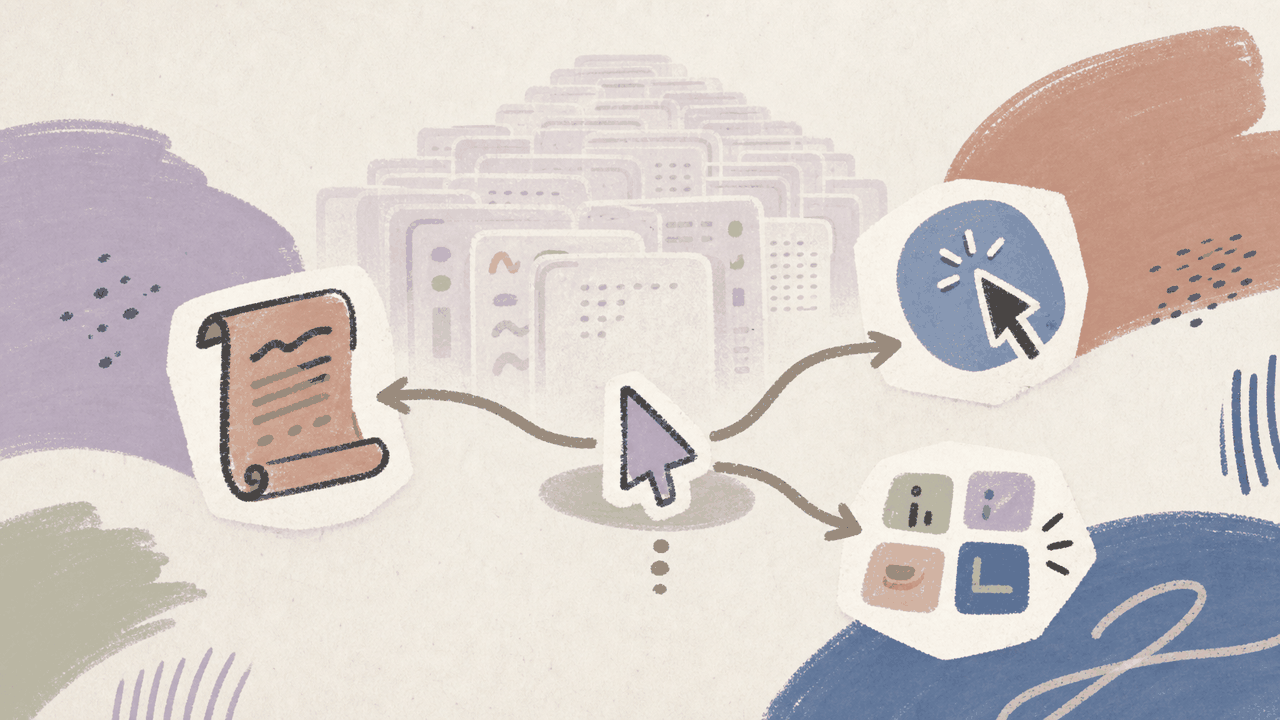
Rather than reasoning through every desktop step one click at a time, Muse Spark 1.1 understands when to automate and when to use the interface directly. We trained the model to write scripts when automation is faster, click when direct interaction is simpler, and generate batches of actions at each step.
That is the part worth slowing down on.
A lot of agent demos still look like one long chain of fragile clicks. Meta is pointing at a different control policy: sometimes the agent should use the UI, sometimes it should write a script, sometimes it should batch several actions, and sometimes it should preserve enough context to recover later.
That is a product problem, not only a model problem.
Why builders should care
If this works, the interesting layer is not the chat box. It is the router inside the agent run.
A good agent product needs to answer questions like:
- why did the agent click instead of calling an API?
- why did it write a script instead of using the browser?
- when did it decide to batch actions?
- what context did it compact away?
- when should a subagent escalate back to the main agent?
- what evidence did it leave behind for review?
Muse Spark 1.1’s launch language makes those questions more central. It is less about whether the model can operate a computer once in a demo and more about whether it can choose the right control path repeatedly under changing state.
Buildable wedge
There are a few small product wedges here:
- Agent run inspectors that show script, click, batch, and escalation choices.
- Policy tests for when an agent should automate versus use the UI.
- Benchmarks for changing UI state, not just static task completion.
- Subagent trace viewers for planning, delegation, and handoff quality.
- Workflow logs that make context compaction auditable.
The near-term build is probably not “use Muse Spark 1.1 everywhere.” It is a test harness around one painful workflow where the control path matters.
The risk
The risky read is to treat 1M context or benchmark charts as the whole story.
Long context helps only if the agent keeps the right state. Computer use helps only if the model chooses the right control mode. Subagents help only if handoffs are clean. API compatibility helps only if the surrounding workflow has logs, permissions, and failure recovery.
The launch gives builders a good checklist. It does not remove the need to test the checklist.
What to do next
Pick one real workflow and force the model to choose between three paths: script, click, and batched actions.
Then log the run like a product designer, not a benchmark tourist. Record the state changes, the selected control path, the failures, the escalations, and the missing review evidence.
If the control decisions are stable, this is worth building around. If they are messy, the model name is less important than the harness you build around it.